Getting started
Where the numbers come from
Shoppers connect their own accounts and decide what you see. Here is the path from their order history to your console.
The shopper connects
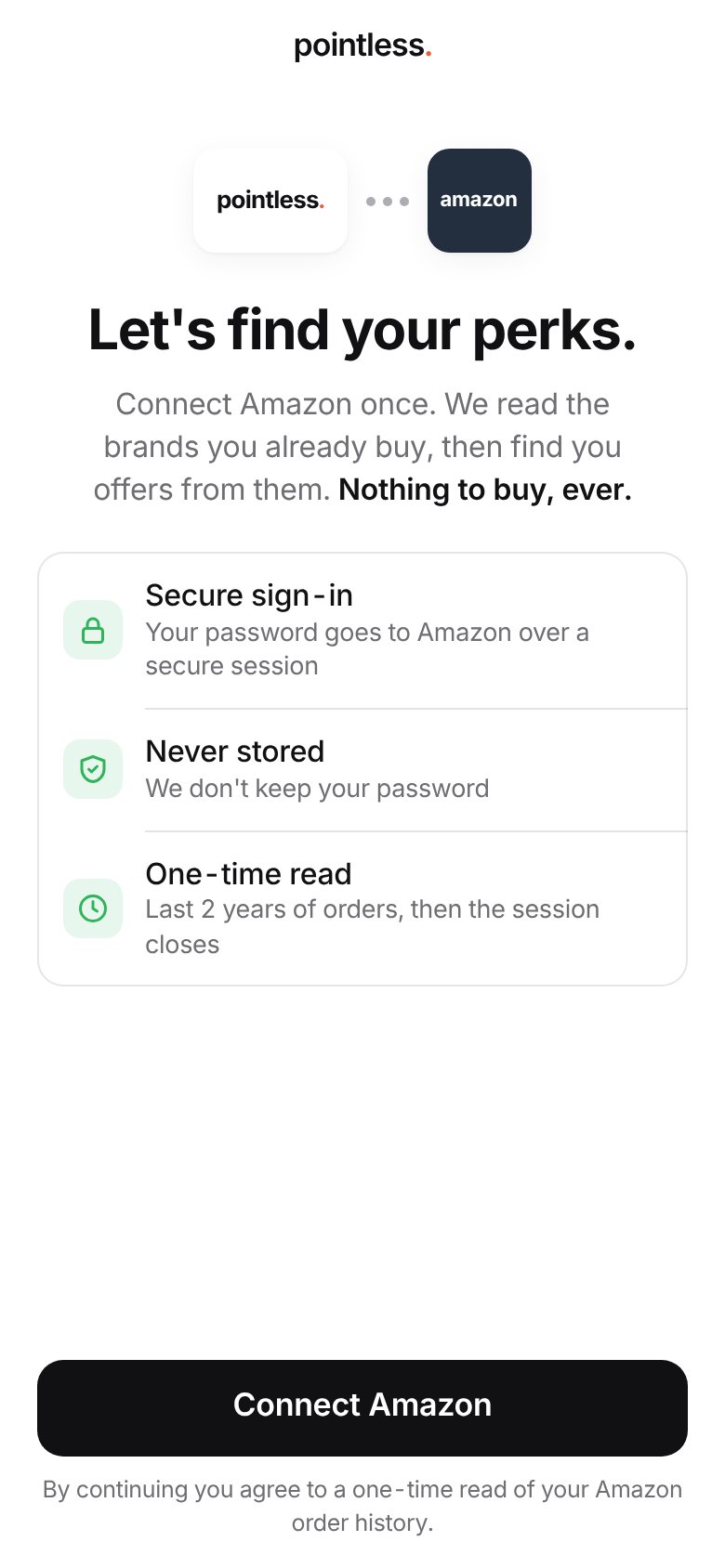
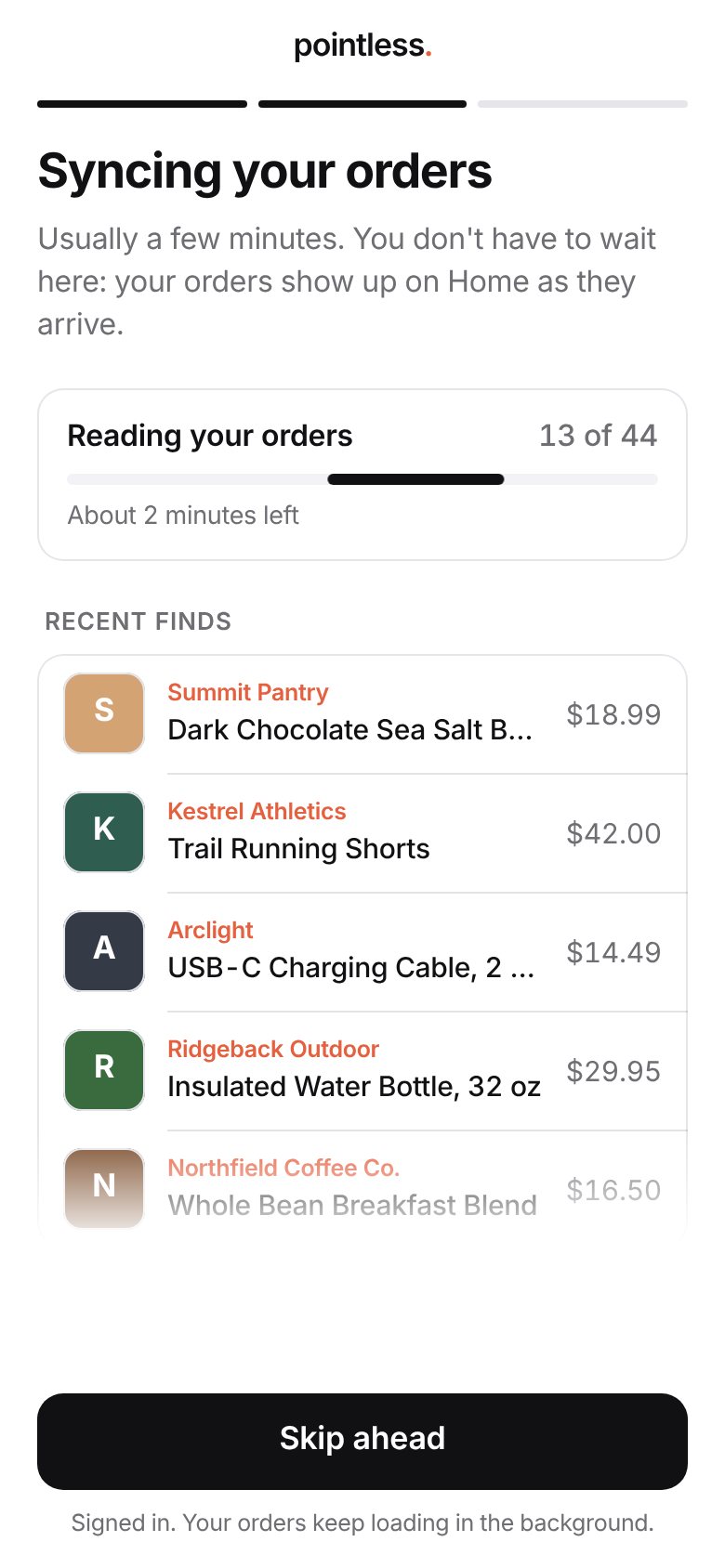
A shopper taps a link, signs in to Amazon in a secure session, and Pointless reads their order history once. The session closes when the read finishes, and their password is never stored. Your shoppers can read the full walkthrough in Help for shoppers.
The shopper decides what to share
Before anything reaches a brand, the shopper sees everything that was read and can hide any brand, order, item or category. Sensitive categories, such as health, personal care and baby products, start hidden. A shopper can unhide them if they choose.
You see counts, not people
Your console is built only from what shoppers left visible. Each item is mapped to the brand that makes it, not the store that sold it, so "bought on Amazon" becomes "bought Summit Pantry on Amazon." Then everything is counted up across shoppers.
Read
The shopper's order history is read once, over a session that closes when it's done.
Choose
The shopper hides what they don't want to share. Sensitive categories start hidden.
Map
Each product is matched to the brand that makes it and to a category.
Count
Your console shows totals across shoppers, with groups under three left out.
Tip
If a shopper hides something later, or starts over, it leaves your numbers too. The console always reflects what shoppers are sharing right now.