Coding agents
The Pointless CLI
The same numbers in your terminal. Log in once with your brand key, then ask.
Install and log in
Open Connect a coding agent in the console. Under Terminal it shows the install line for the CLI, then:
pointless login        # paste your pl_live_ key
pointless whoami # confirm which brand you're connected asCommands
| Command | What it shows |
|---|---|
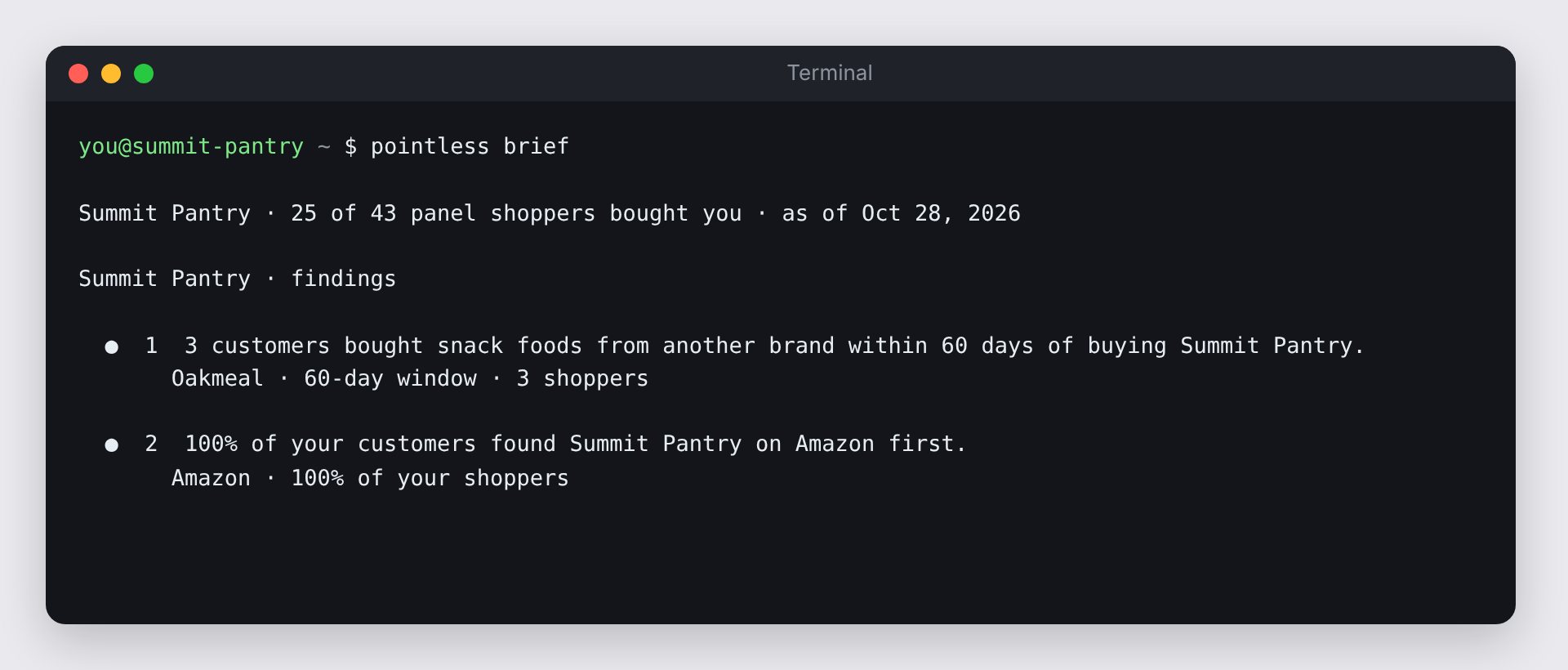
pointless brief | The showpiece: this week's findings, revealed one at a time. |
pointless overview | Shoppers, spend, repeat rate and the 12-month trend. |
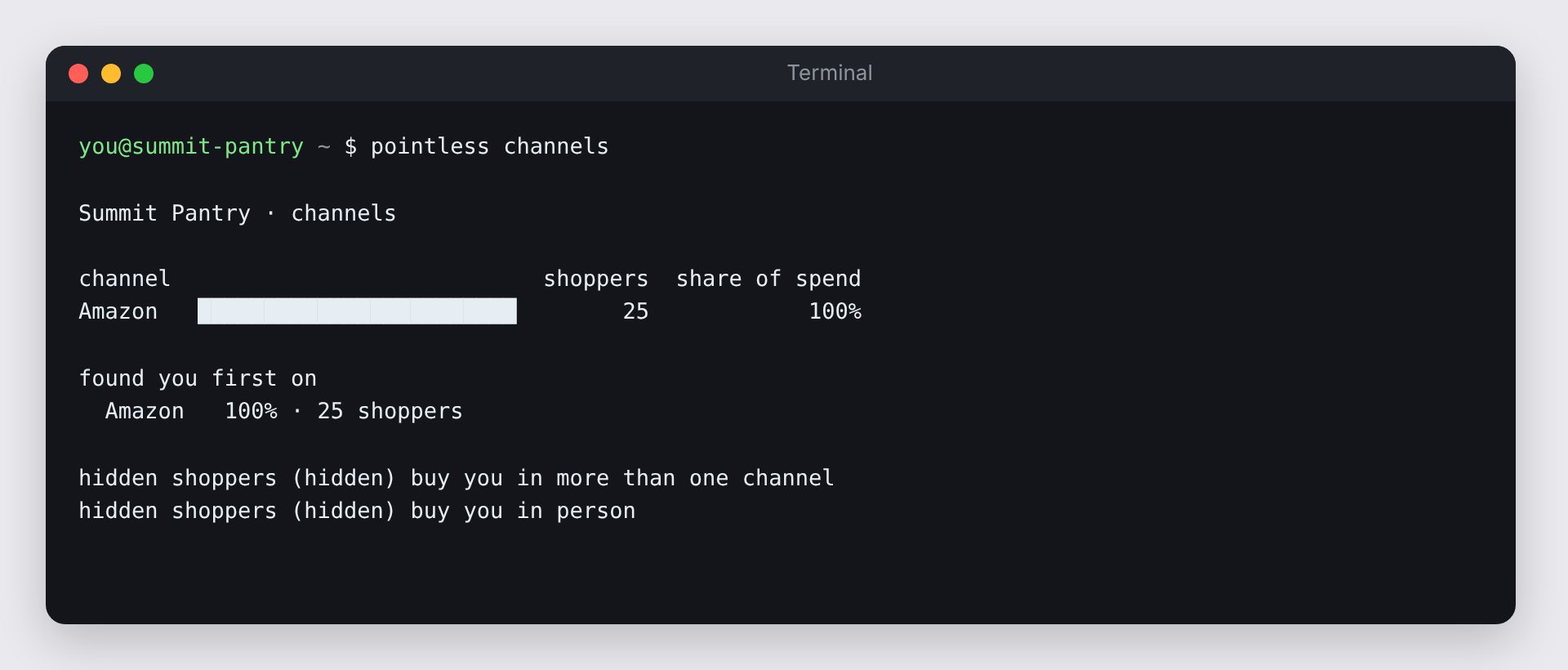
pointless channels | Where your shoppers buy you. |
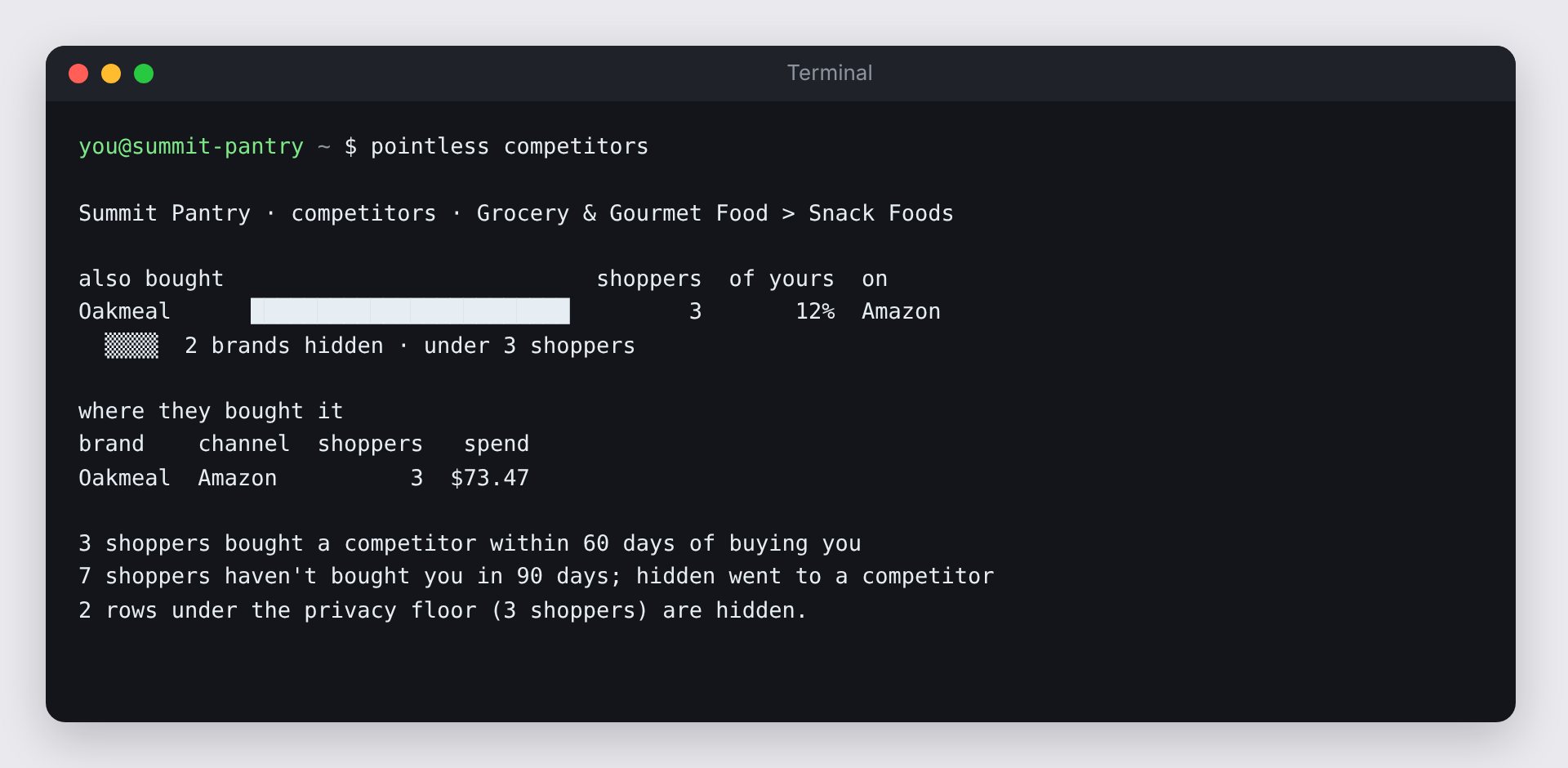
pointless competitors | Who else your shoppers buy, and who you lose them to. |
pointless audience | Who your products are for. |
pointless findings | The ranked findings, with evidence. |
pointless ask "..." | A question in plain English. |
pointless mcp install | Sets up a coding agent for you. |
Every command takes --json for scripts and --no-anim to skip the animation.
Examples
Note
Rows under the privacy floor are hidden in the terminal too. The CLI tells you how many were left out so you know the totals aren't the whole picture.